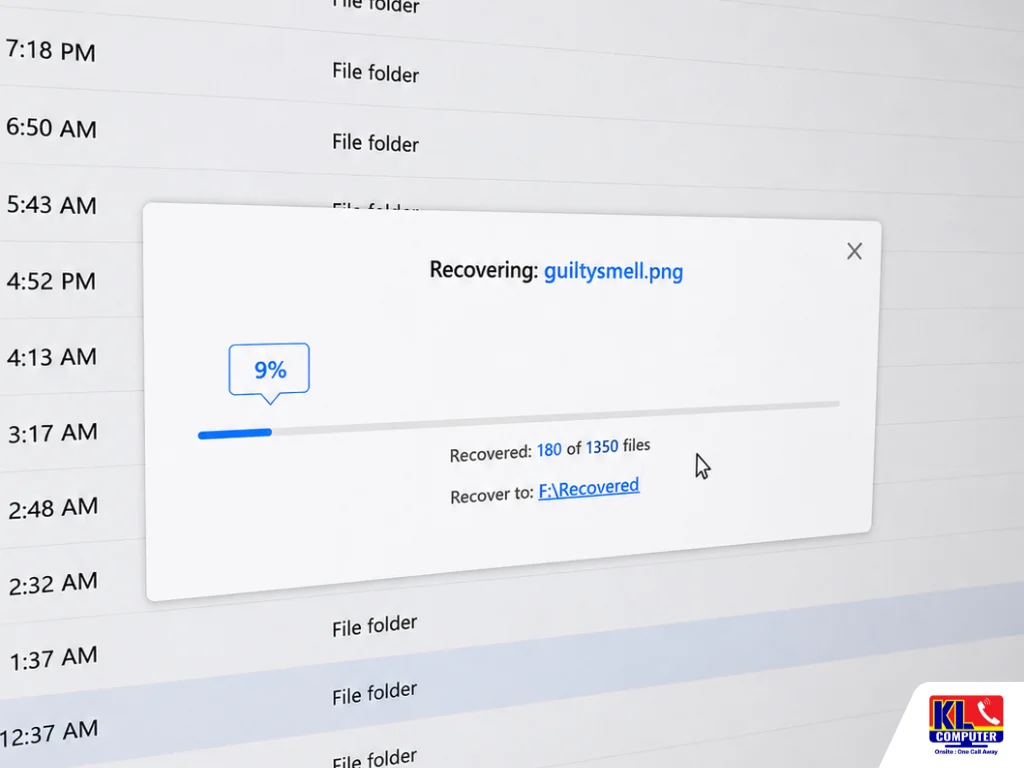
Can You Recover Deleted Files from a Laptop?
Yes, in most cases deleted files can be recovered, even after the recycle bin has been emptied. Deleting a file usually removes the pointer that tells the operating system where it’s stored, not the data itself. The file stays on the drive until that space gets overwritten by something new, which is why acting quickly matters so much.
The File Stays Until Overwritten
The actual data remains on the drive until new files are saved into that same space.
Formatting Works the Same Way
A quick format clears the file index rather than the data itself, so formatted drives are often still recoverable.
SSDs Are Trickier
A background process called TRIM can clear deleted space on SSDs automatically, shrinking the recovery window.
Time Is the Biggest Factor
The less the drive is used after deletion, the higher the chance the file hasn’t been overwritten yet.
If you’re in Setapak, Wangsa Maju, Cheras, Pandan Jaya, Ampang, Pandan Indah, Kuchai Lama or anywhere in central KL and you’ve just deleted or formatted something important, there’s a KL Computer Services branch within reach for a same-day assessment.
💡 Quick Answer: If you’ve deleted or formatted a drive by mistake, stop using it immediately. WhatsApp us your issue for a quick assessment, and never run random recovery software directly on the affected drive.
When Recovery Is Still Possible
Not every deleted file situation ends the same way. These are the most common scenarios where recovery is still realistic. See our full data recovery service for a complete breakdown of what we cover.
Accidental Deletion
Files removed via shortcut keys or emptied from the recycle bin too quickly.
Wrong Drive Formatted
A quick format on the wrong partition or external drive is usually still recoverable.
Corrupted or Unreadable Drive
Drives asking to be formatted after a crash often still hold recoverable data.
Early Mechanical Failure
Clicking or slow drives can often still be recovered if stopped early enough.
What Not to Do After Deleting a File
What you do in the next few minutes matters more than people expect. These are the most common mistakes that turn a recoverable situation into a permanent loss.
- ✕Don’t save anything new to that drive — every new file increases the risk of overwriting the deleted one.
- ✕Don’t keep browsing the drive — repeatedly opening folders can write temporary data that reduces recovery chances.
- ✕Don’t run random recovery software immediately — some free tools save their own files onto the same drive, overwriting the data you’re trying to recover.
- ✕Don’t restart the laptop repeatedly — especially if the deletion happened alongside a crash or freeze.
- ✕Don’t open the drive casing yourself — this applies if the issue is also mechanical, as it exposes internal components to dust and damage.
What to Do Instead
A few simple steps right after noticing the missing file can significantly improve your odds of getting it back intact.
- ✓Stop using the drive immediately — power off the laptop or unplug the external drive as soon as you notice the file is missing.
- ✓Check the recycle bin and cloud backups first — many “lost” files are still sitting there.
- ✓Note what happened — a simple delete, a quick format, or a crash each point to a different recovery approach.
- ✓Bring it in as soon as possible — the sooner the drive is assessed, the higher the chance nothing has been overwritten.
- ✓Get a diagnosis before any recovery attempt — so you know exactly what’s recoverable before any work starts.
Data Recovery Service
Every job starts with a transparent diagnosis. No work begins until you understand what’s recoverable and approve it.
| Service | What’s Included | Est. Turnaround |
|---|---|---|
| Recovery Diagnosis | Assessment of whether the issue is logical, mechanical, or related to corruption | Same day |
| Deleted File Recovery | Recovery of accidentally deleted or formatted files from HDD, SSD, or flash drives | Same day – 2 days |
| Corrupted Drive Recovery | Recovery from drives that are unreadable or asking to be formatted | 1–3 days |
| RAID & External Drive Recovery | Recovery from RAID arrays, external hard drives, and memory cards | 2–5 days |
Drives & Devices We Recover
Accidental deletion and formatting can happen on almost any storage device. We recover data from:
Laptop Hard Drives
Internal HDD and SSD storage on all major laptop brands.
Desktop Drives
Internal and secondary storage drives on desktop PCs.
External Hard Drives
Portable and desktop external drives of all sizes.
USB Flash Drives
Thumb drives and pen drives, including formatted ones.
Memory Cards
SD cards and microSD cards from cameras and phones.
RAID Arrays
Recovery for setups affected by a single drive failure. WhatsApp us your setup to confirm.
Our 4 Branches — Get Your Drive Checked Nearby
No matter where you are in KL, one of our branches is close by for a same-day data recovery assessment. Drop in for a walk-in assessment — no appointment needed. You can also WhatsApp us first for a faster check-in.
KL Computer Setapak
First Floor, 36-1, Jalan 2/23a, Taman Danau Kota, 53300 KL
Mon–Fri: 9am–8pm | Sat–Sun: 9am–7pm
KL Computer Jalan Klang Lama
First Floor, 2-1, Jalan Indrahana 1, Off Jalan Kuchai Lama, 58200 KL
Mon–Fri: 9am–8pm | Sat–Sun: 10am–7pm
KL Computer Cheras Pandan Jaya
First Floor, 34-1A, Jalan Pandan 2/1, Pandan Jaya, 55100 KL
Mon–Fri: 9am–7pm | Sat: 10am–7pm | Sun: Closed
KL Computer Ampang Pandan Indah
First Floor, 13M, Jalan Pandan Indah 4/2, Ampang, 55100 KL
Mon–Fri: 9am–8pm | Sat–Sun: 10am–7pm
Why Choose KL Computer Services for Data Recovery
Plenty of shops will run generic software on your drive. Here’s what makes the difference when the data actually matters. Learn more about who we are.
- ✓Diagnosis Before Any Recovery Attempt — You know what’s realistically recoverable before any work begins.
- ✓1,200+ Five-Star Google Reviews — Verified, public feedback from real customers.
- ✓13+ Years in Business Since 2012 — One of KL’s most established independent repair centres.
- ✓Handles Logical & Mechanical Cases — From simple deleted files to drives with early hardware failure.
- ✓All Major Brands & Drive Types — HDD, SSD, external drives, flash drives, memory cards, and RAID.
- ✓Warranty on All Repairs — Every job backed by a warranty on both labour and parts where applicable.
How Our Data Recovery Process Works
From the moment you notice the missing file to the moment you get your data back, here’s what to expect:
Contact Us First
WhatsApp or call us, describe what happened, and stop using the affected drive in the meantime.
Drop In or We Come to You
Walk into any of our 4 branches, or request an on-site technician if the device is hard to move.
Thorough Diagnosis & Your Approval
Full assessment of the drive, a clear explanation of what’s recoverable, firm quote, zero work done until you say go.
Recovery & Verification
Recovery attempt using the method suited to your specific case, then every file is verified before handover.
Collect with Confidence
Pick up your recovered files on a drive of your choice, along with a service receipt and prevention tips.